
Ideas

01

Typography Picker

I hate picking typography when designing!!

What I’m imagining:
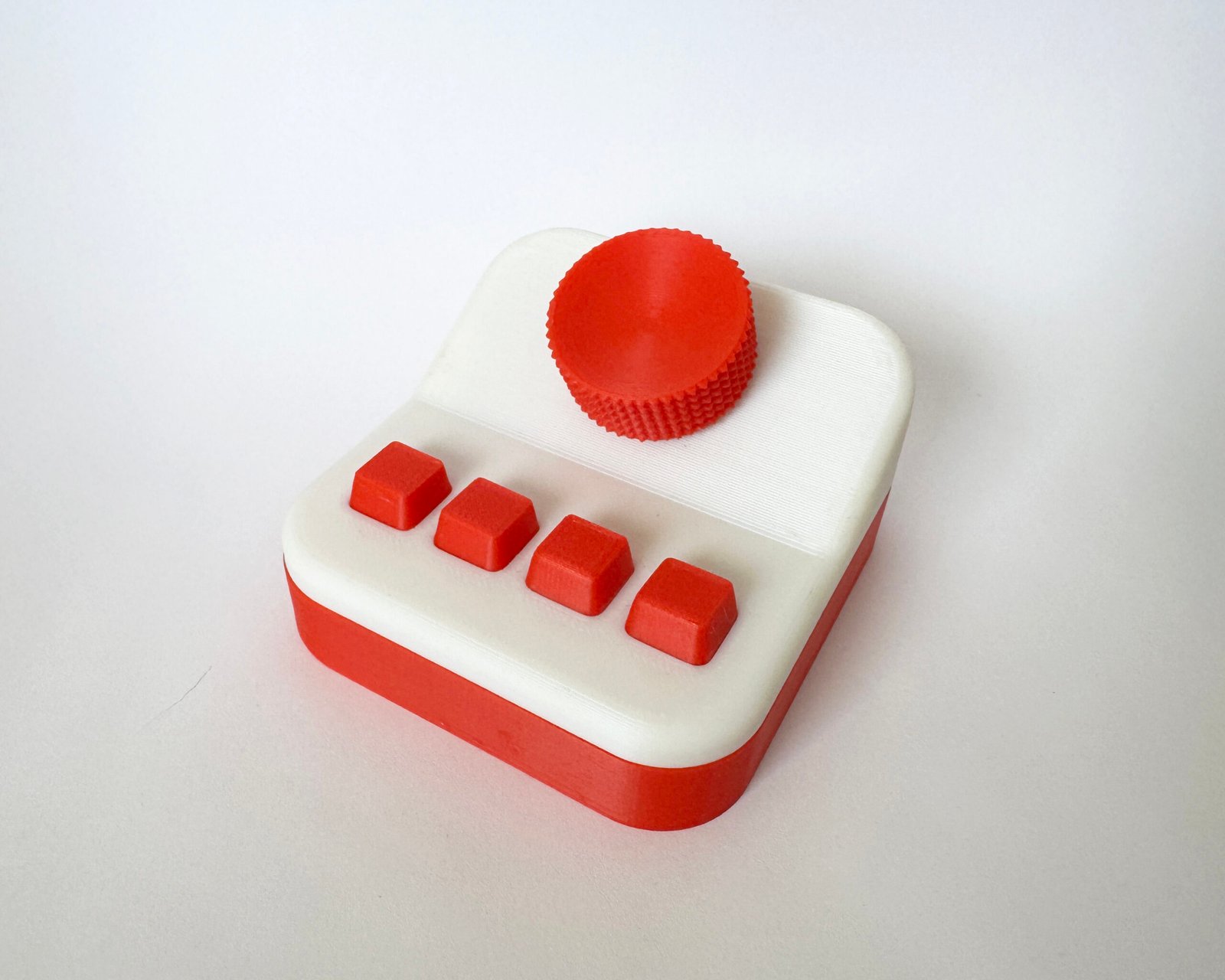
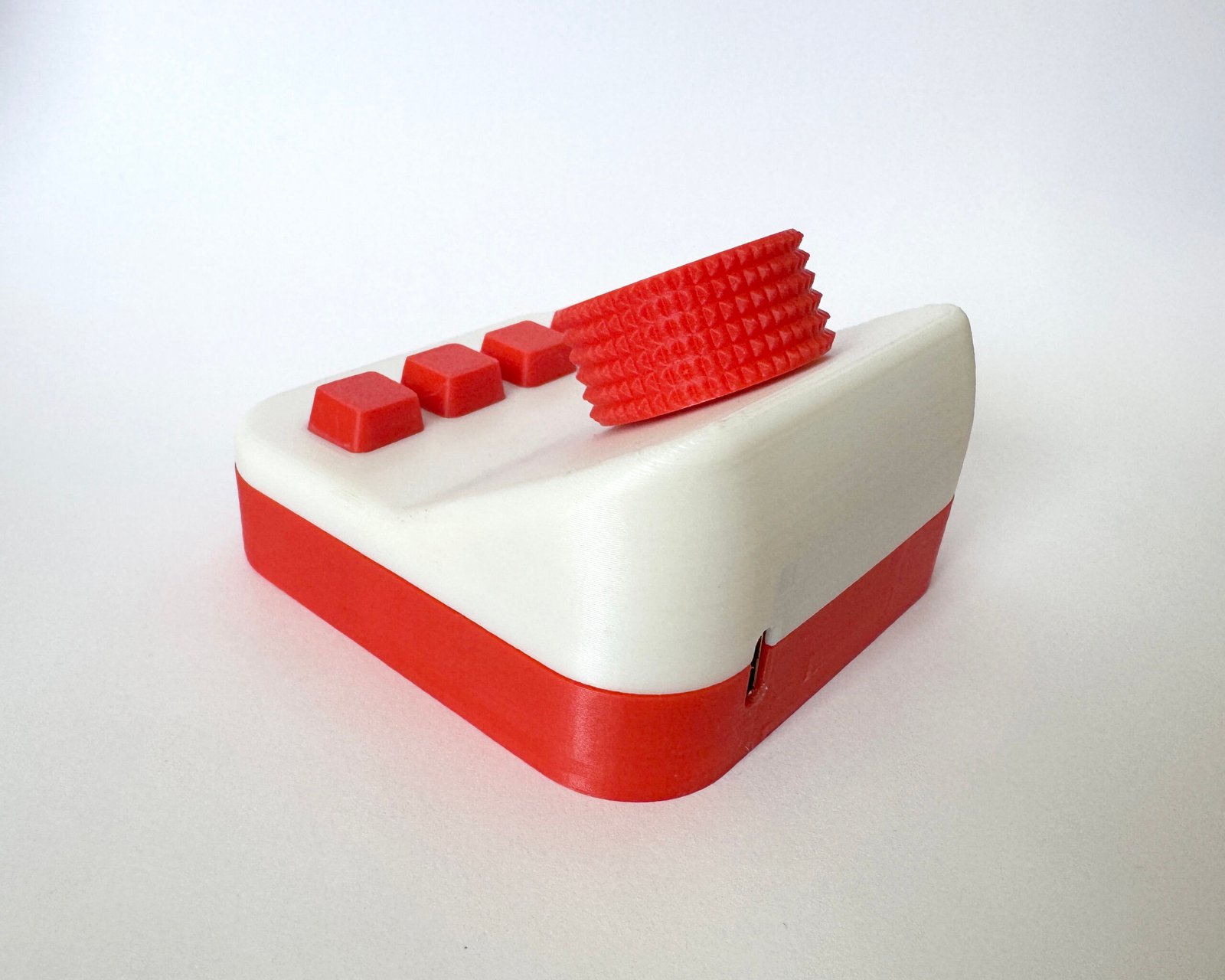
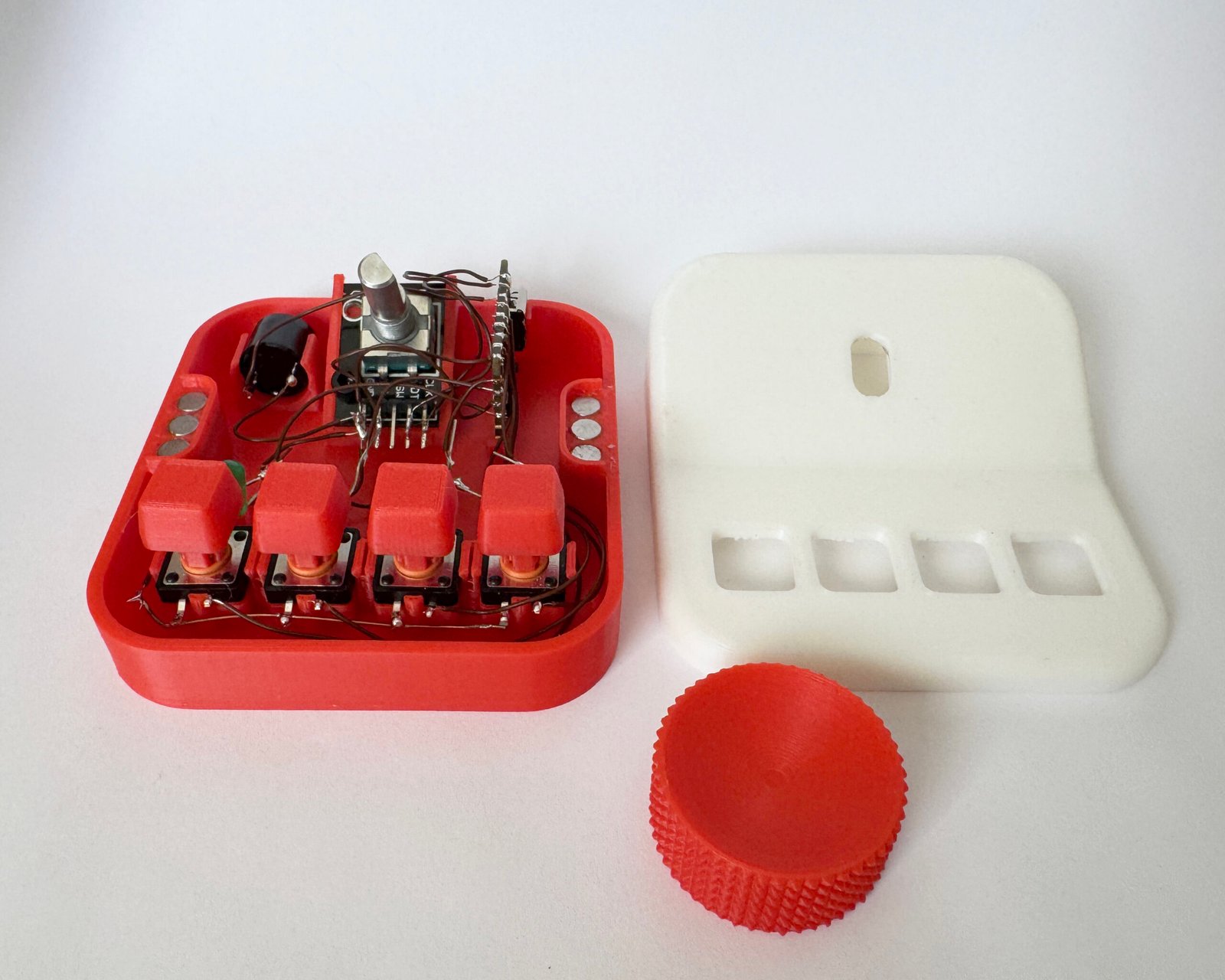
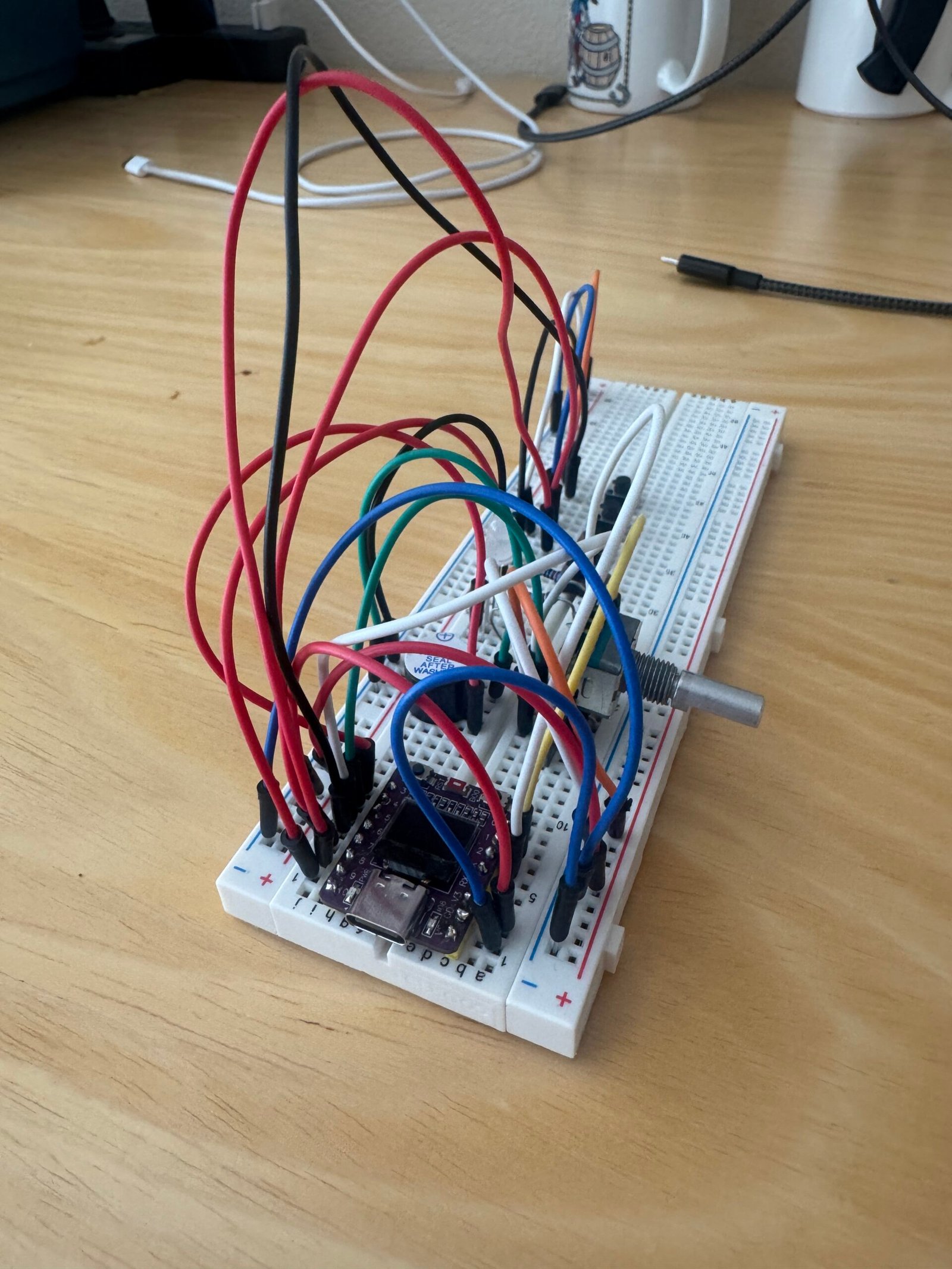
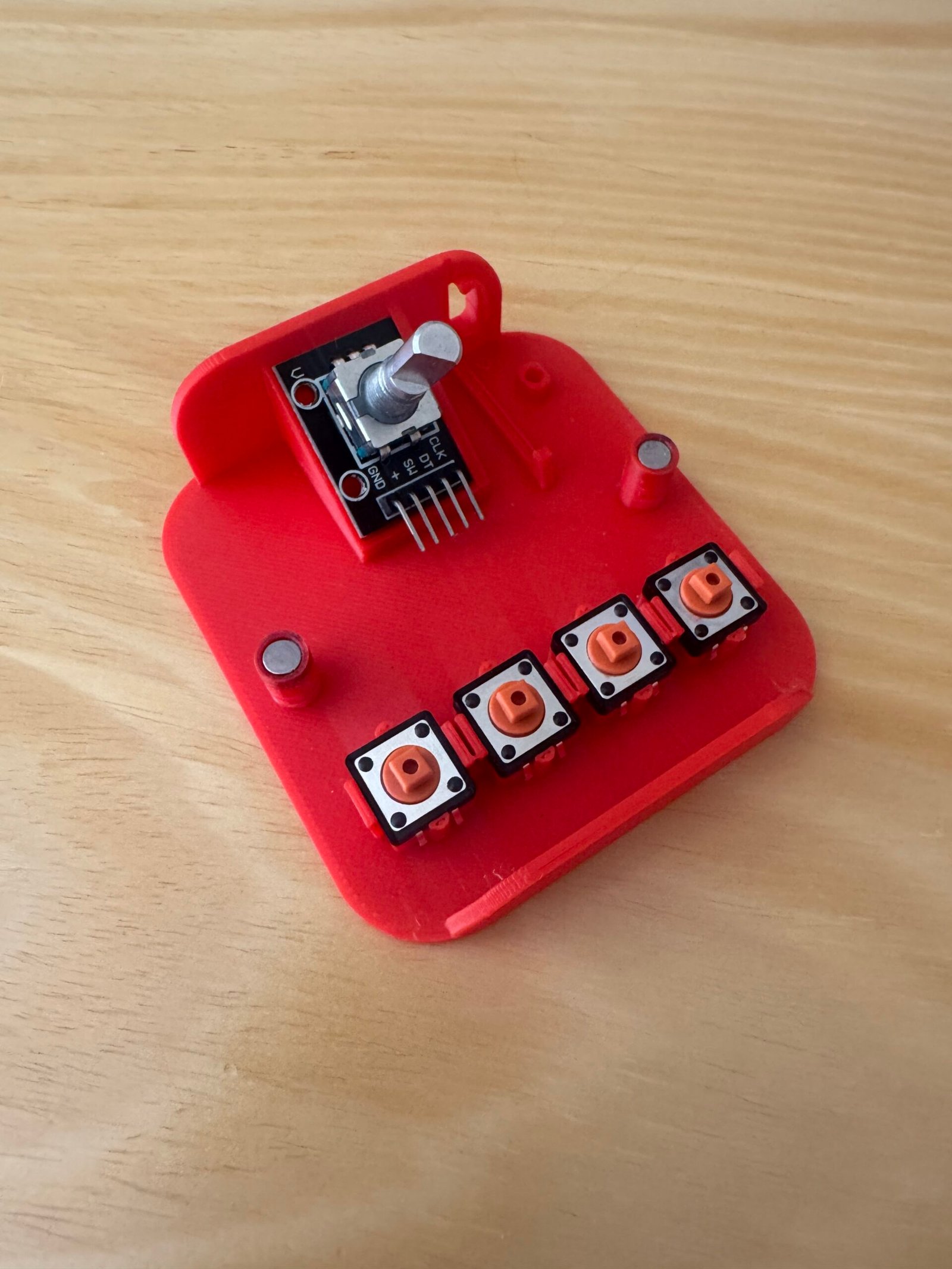
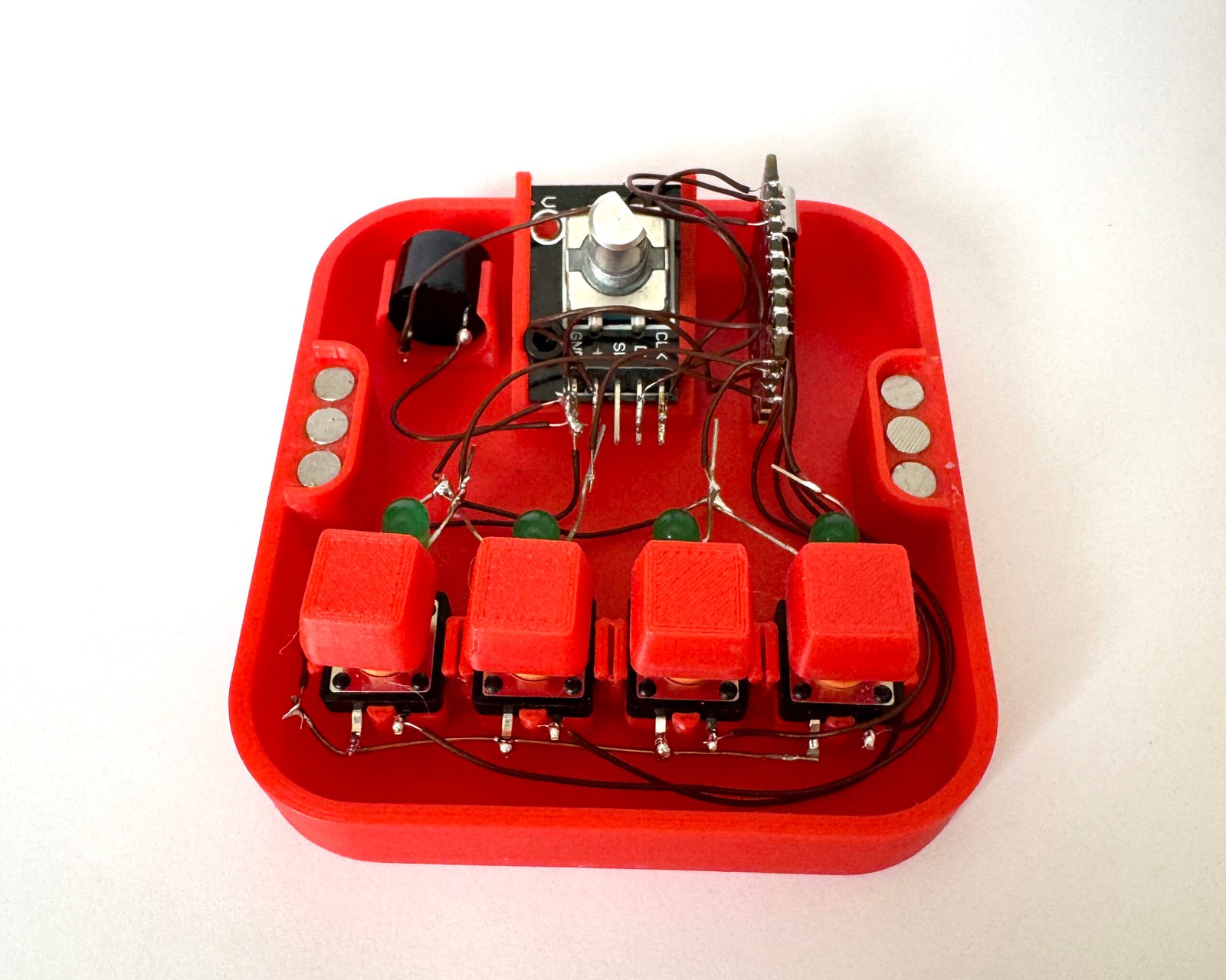
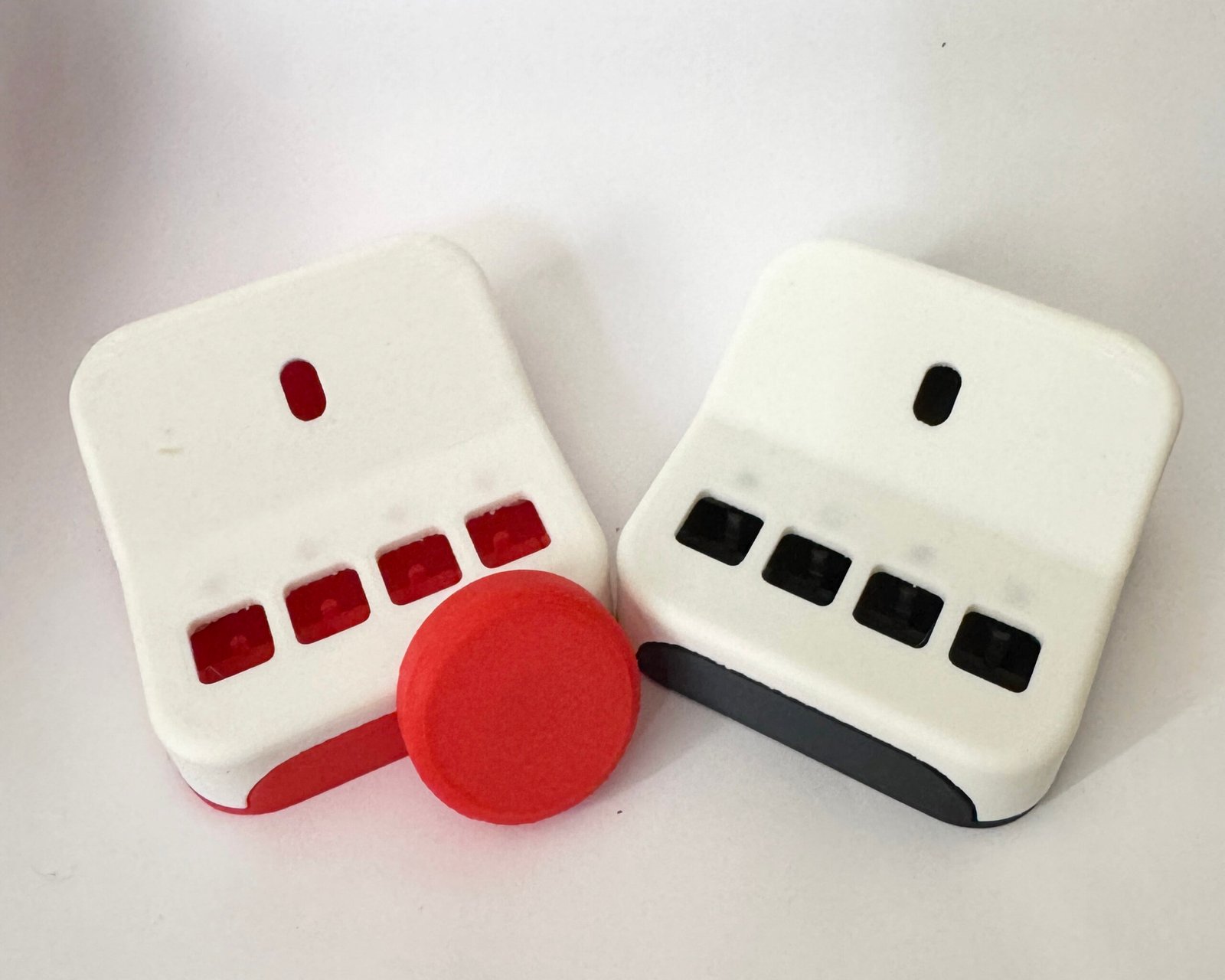
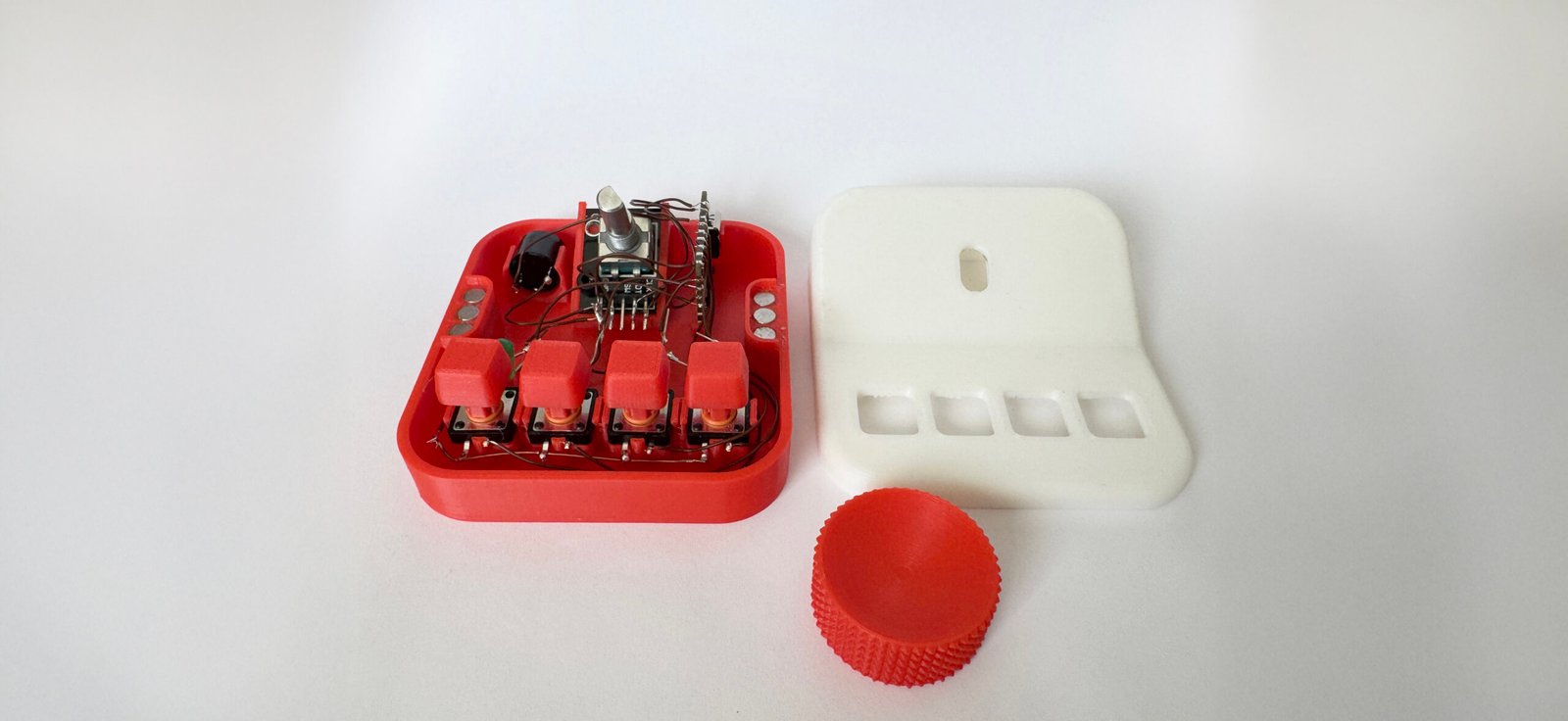
A physical typography picker( kind of like a macropad?)  with a rotary encoder and a couple buttons.

  • Create some kind of program where you can type in a word/sentence
  • You twist the rotary encoder (with a 3D-printed knob) to cycle through different fonts(Ideally it pulls from something like Google Fonts?)
  • When you find a font you like, you press a button to save it.
  • An LED lights up to show that the font has been saved.
  • You can use the buttons to cycle through your saved fonts, compare them, and figure out which one works best.
  • 3d print or laser cut an enclosure

Possible expansions (later):

  • Font pairing
  • Color palettes

02

Cat Toy

My cats push all of their toys under my cabinets and fridge!

What I’m imagining:

  • A small cat toy that reacts to light.
  • When it’s in the open and the cat plays with it (covering the sensor), it moves.
  • When it gets pushed under a cabinet or fridge and it’s dark, it starts moving on its own and rolls back out into the light.

How this could work:
A small microcontroller could read data from a light sensor (photoresistor or light sensor). When the sensor detects low light (meaning it’s under something), the microcontroller triggers a motor to make the toy move or roll. When light is detected again, it can stop or switch into a different play mode.

03

Work Notification System for Remote Work

As a remote worker, I sometimes miss work notifications when I step away from my desk! 😉

Concept:
The project consists of a set of small devices placed throughout my apartment. Each device connects wirelessly to a my work computer and reacts whenever a work-related notification occurs. This makes notifications visible anywhere in the space, without demanding immediate attention.

How it works:
Create a program on the work computer listens for notifications from applications like Teams, email, or calendar events. When a notification occurs, the program sends a message over to each room device.

Each device contains a microcontroller and either:

  • LEDs for color-based signals, or
  • LEDs plus a small screen for limited previews

The devices interpret the incoming message and display:

  • Which app the notification came from (color or icon)
  •  Urgency level (light pattern or animation)
  •  Optional preview such as sender name or first few words

04

Darkroom Meter

What this is trying to solve:
In the darkroom, when you’re enlarging a photo, aperture and paper ISO are fixed or known. The main variable you’re guessing is exposure time, which is why test strips exist, but they’re slow and waste paper. There is established exposure math behind this. Light meters already use it, I would just apply it to an enlarger instead of a camera.

Math:
Exposure is based on the relationship between illuminance, time, and sensitivity.

  • Midtones are usually targeted to 18% gray, which is the photographic “neutral” reference point

Core exposure equation (simplified):

H=E×t
Where:

  • H = exposure (lux·seconds)
  • E = illuminance (lux, measured light on the paper)
  • t = exposure time (seconds)

Photographic paper needs a specific exposure H to render 18% gray correctly. So solving for time:

t= H/E

How it would work:

  • A light sensor measures illuminance at the easel
  • You sample:
    • brightest part of the projected image
    • darkest part of the projected image
  • The microcontroller calculates an average midtone value
  • That midtone is mapped to the exposure needed for 18% gray
  • Given known paper ISO and aperture, it outputs the required exposure time

Not sure if this would realistically work